Aimbot
Soft Aim That Looks Legit in Combat Master
Combat Master fights are close and fast. A snapping aimbot stands out in replays and reports. Soft aim with tight FOV and high smoothing helps you track targets without obvious snaps.
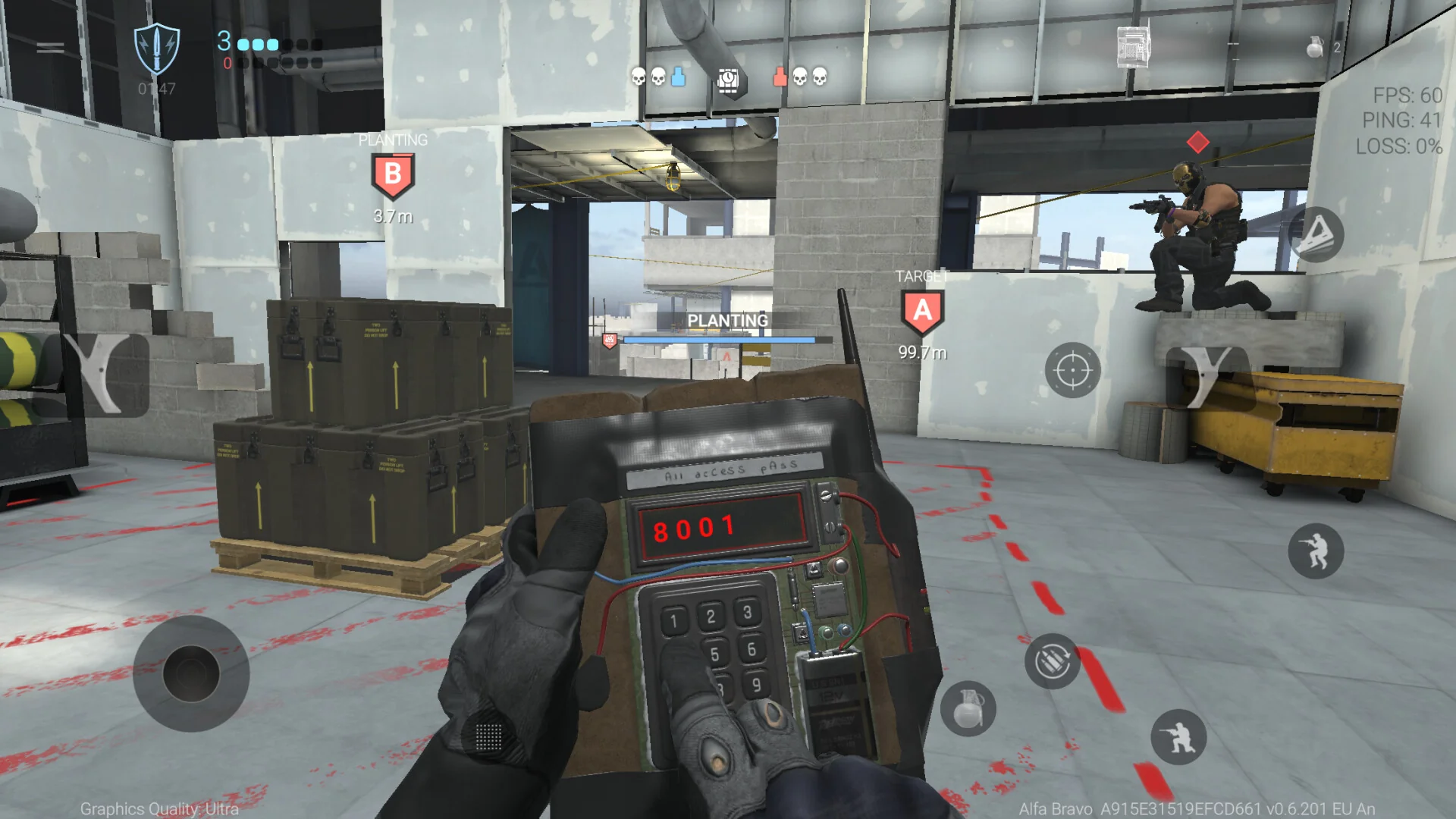
Use soft aim like a helper, not autopilot
Soft aim should finish fights you already started. Pre-aim corners yourself. Let assist correct small drift during tracking — not pull 90-degree flicks through walls.
Bind a hotkey to disable aimbot when you loot, emote, or hold an angle where any correction looks suspicious.
Settings that work in TDM and objective modes
Start around 3–5° FOV and smoothing above 70% for ARs. SMGs can use slightly wider FOV because fights happen inside ten meters. Snipers need manual aim — disable assist on bolt actions.
Full walkthrough: aimbot settings guide and product page.
Pair aim with ESP so you choose fights
Soft aim on a bad push still gets you killed. Use ESP to pick fights where you have cover and numbers. Radar helps when two enemies collapse from different angles.
After patches, confirm Updates before you tune aim on an old build.